myLSU Portal: Registration Information
There may be broken links in this article, the GROK staff has been notified and is working to resolve the issue.
This article has not been updated recently and may contain dated material.
NOTE
If you are using a mobile device to access the myLSU portal, you may need to rotate your phone to landscape mode to access the menu.
General Information:
In the Registration Information section of the myLSU portal a student is able to view numerous services which the registrar provides. A student is able to view types of course being offered (e.g. Learning Communities, Service Learning, Communication-Intensive, and general Course Offerings) for a semester. One is also able to view his or her fee schedule or submit a request for help with the registration process.
To access Registration Information through the myLSU Portal:
1. Log into myLSU.
2. On the left hand side menu, select Registration Services, then choose Registration Information:

3. After clicking on Registration Information, a new window will open in your browser that will contain information on registration services:
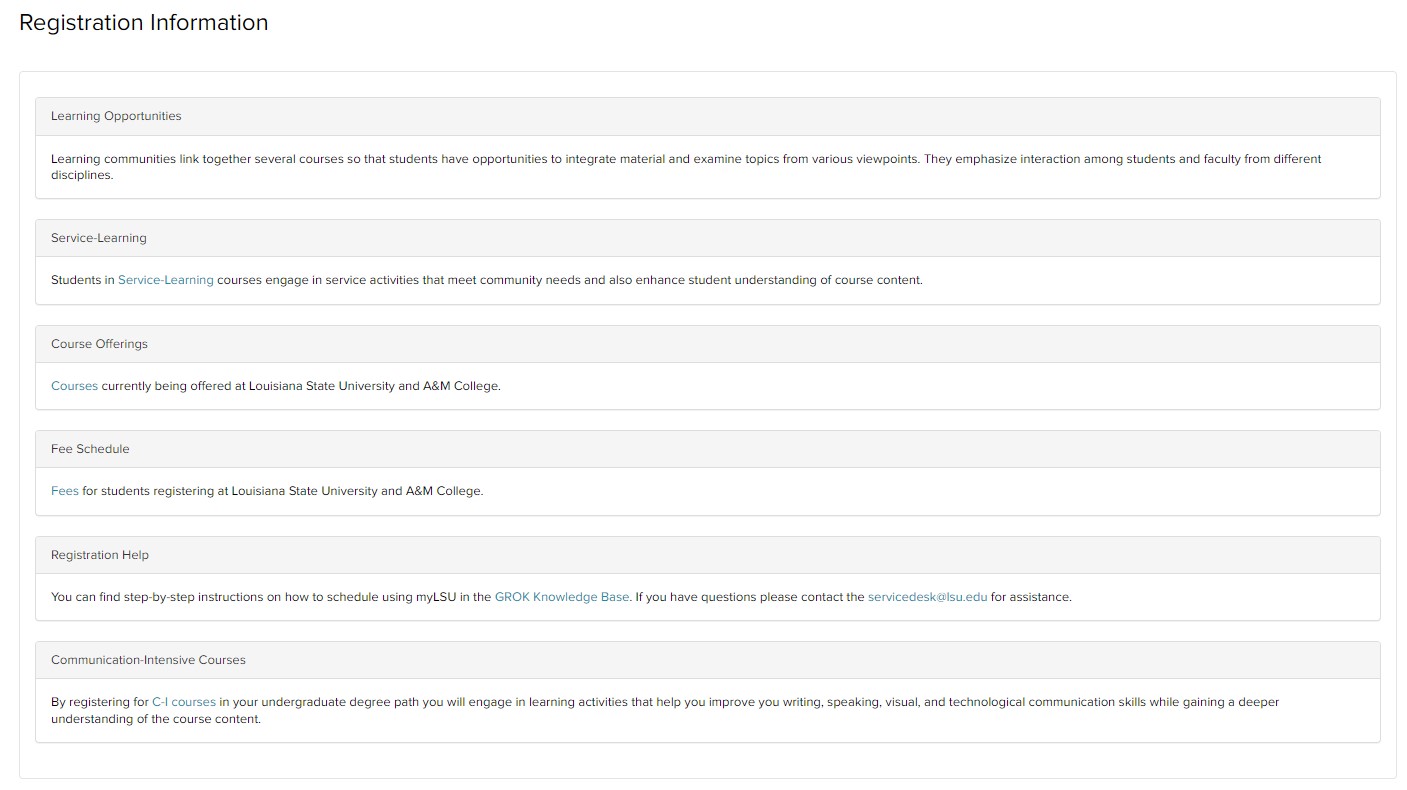
If any help is required with the registration process, please send an email to servicedesk@lsu.edu for more assistance.
15717
8/7/2025 5:04:42 PM