myLSU Portal: Discovery
There may be broken links in this article, the GROK staff has been notified and is working to resolve the issue.
This article has not been updated recently and may contain dated material.
NOTE
If you are using a mobile device to access the myLSU portal, you may need to rotate your phone to landscape mode to access the menu.
To Access Discovery through the myLSU Portal:
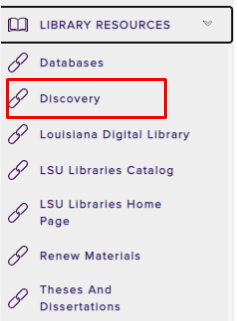
1. In the myLSU Portal, select Discovery from the panel on the left-hand side of the screen.
2. Click Library Resources from the drop down menu.
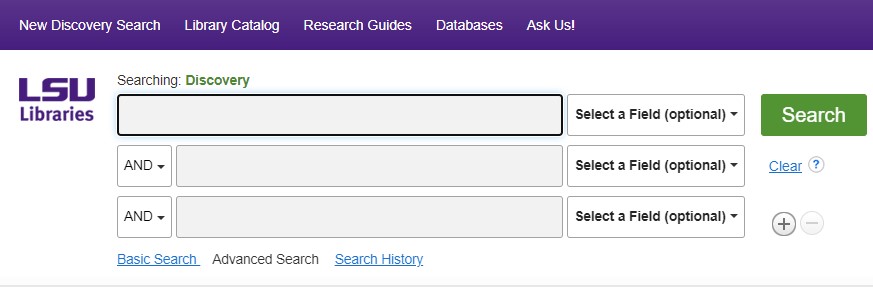
3. You now have access to Discovery.
18282
8/15/2025 3:26:28 PM