Outlook 2016: Obtaining Header Information for Windows Machines
This article has not been updated recently and may contain dated material.
Obtaining Header Information:
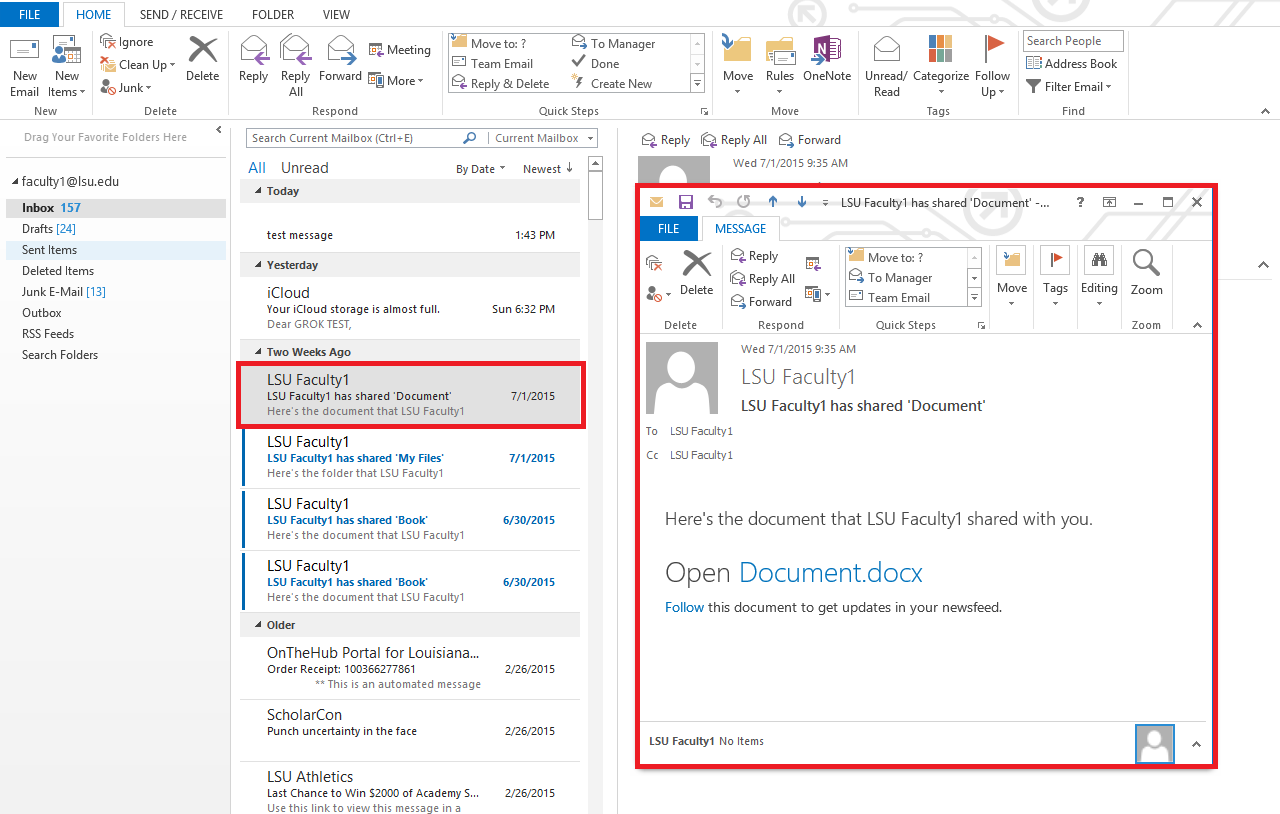
1. Open the particular email in a new window by double-clicking on the message in the message list.
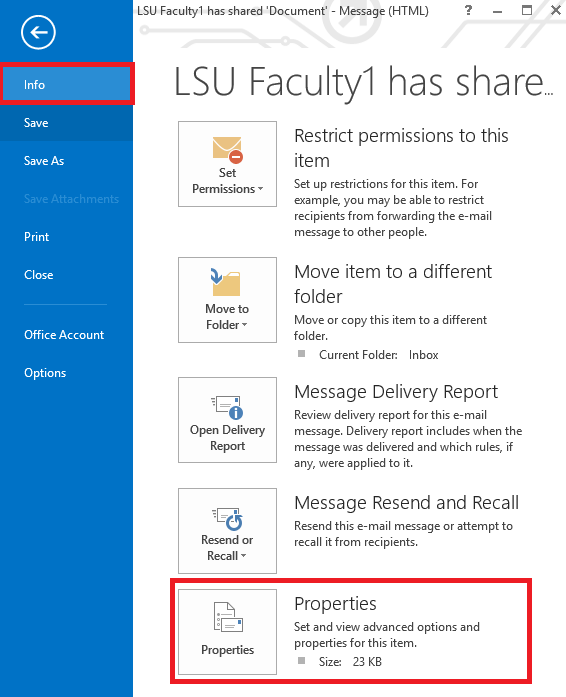
2. Select File, then under the info tab, click properties.
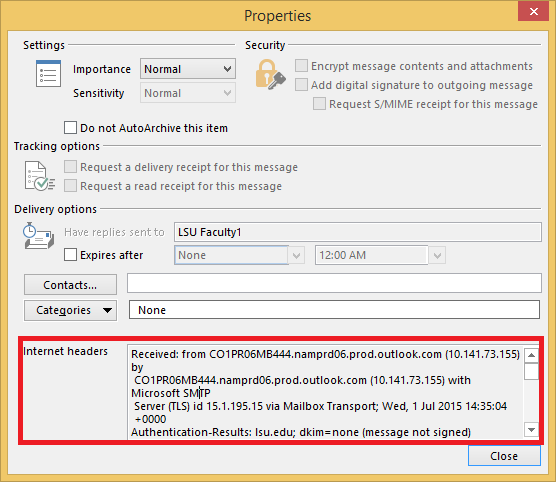
3. Locate the text area labeled 'Internet Headers.'
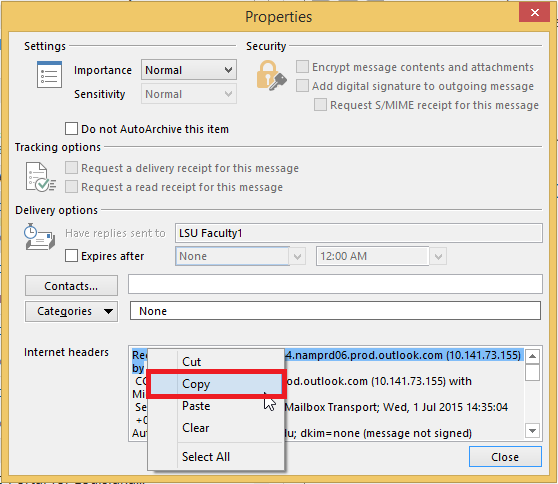
4. The headers are located inside this text area. Select and copy the text to a text editor.
Referenced from: Microsoft
18032
4/15/2024 9:08:14 AM